

Play Odio el Chocolate Online
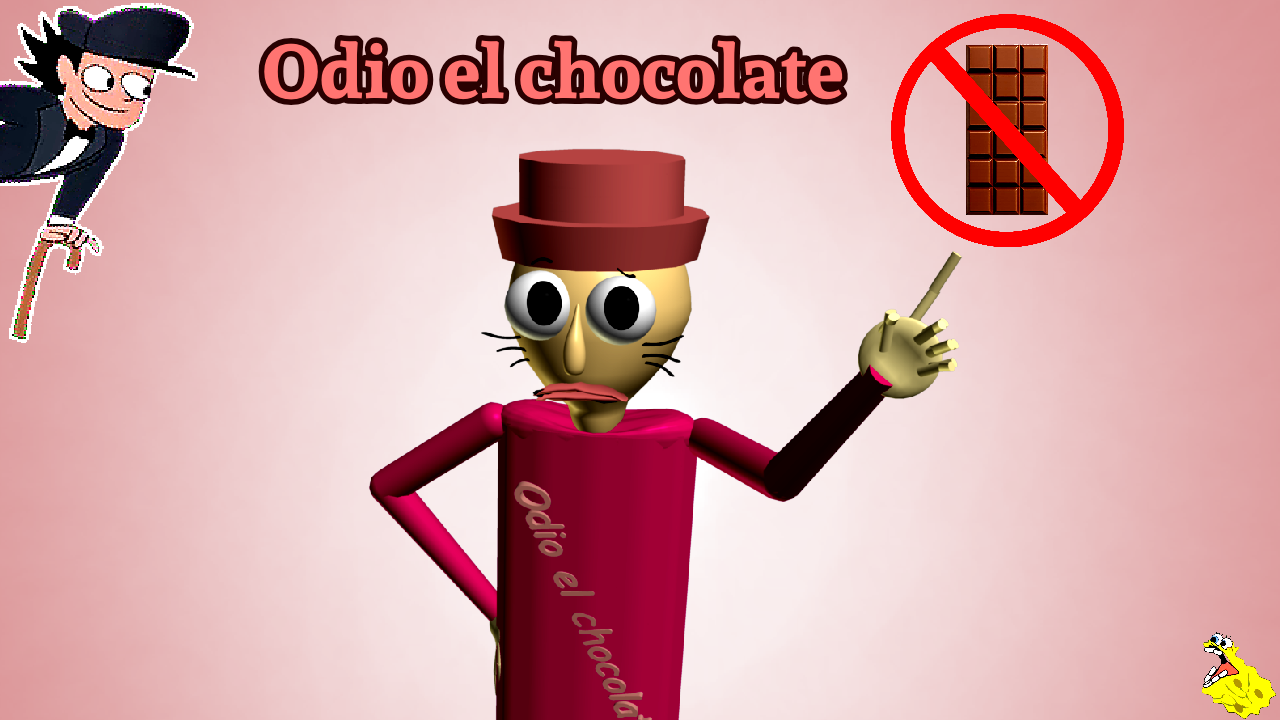
Odio el Chocolate is a Baldi’s Basics mod by Wantho. Its title means “I hate chocolate,” and Main Mode turns that complaint into a clear objective: find 13 chocolates and get out. The game is embedded above as a browser build hosted separately from Wantho’s download pages, so its behavior can differ from the creator’s releases.
If you want to try the same supplied browser build in its own tab, open it directly ↗. The game may take a moment to load. Click inside the frame before using the keyboard; this gives the game focus when key presses are scrolling the page instead.
Which Version Should I Open?
- Browser: play the independently hosted build embedded above.
- Windows: open Wantho’s original itch.io page.
- Android: open Wantho’s Android release page. The creator warns that some devices may lag or crash.
What Is Odio el Chocolate?
Odio el Chocolate is a deliberately odd Baldi’s Basics mod built around chocolate, a school setting, and a menu with four distinct mode choices. The Spanish title translates to “I hate chocolate.” It is a game mod, not a chocolate product or a Friday Night Funkin’ chart.
This page is for the independently hosted browser build. Wantho’s original Windows and Android releases are separate downloads, and the browser version may not match them feature for feature. Use the creator links in Game Details when you want those releases.
Choose a Mode
The mode menu gives the clearest reliable starting point:
- Main Mode asks you to find 13 chocolates and get out.
- Low Cortisol Mode is described as easier and best for a first-time player. Gameplay screenshots label this mode “Ez Mode.”
- Baltazar Mode is a separate choice named on the second mode screen. The available screenshots do not establish its full rules.
- Triple Trouble Mode is described as harder and not recommended for beginners.
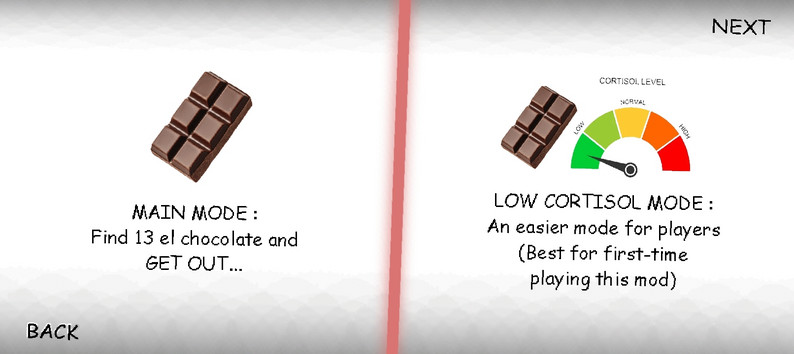
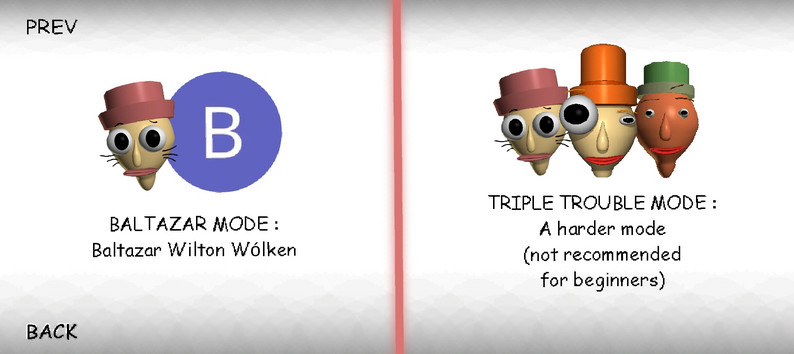
Start with Low Cortisol if you are new to the mod. Once you have seen how the school and HUD work, try Main Mode for its stated 13-chocolate objective. Treat Baltazar and Triple Trouble as distinct choices; the mode names alone do not prove their exact mechanics.
Read the HUD and Plan a First Run
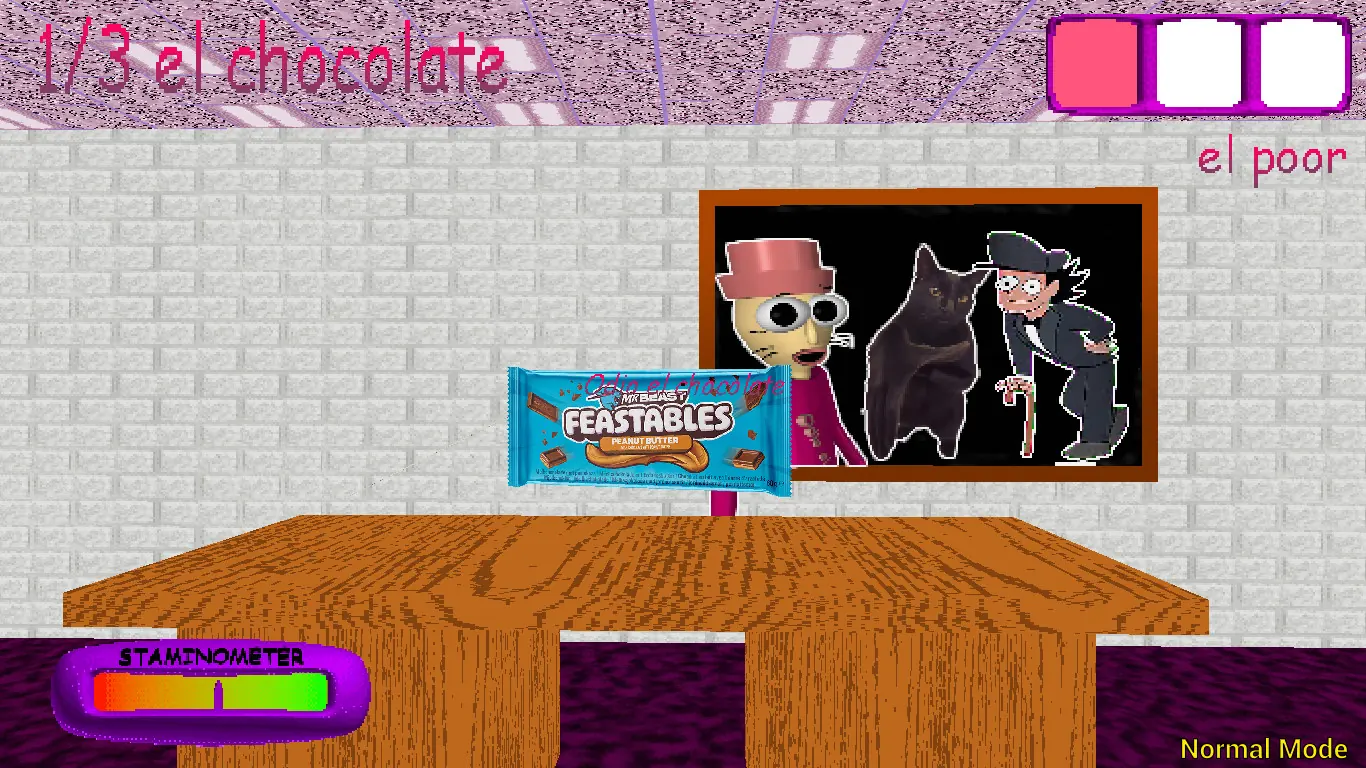
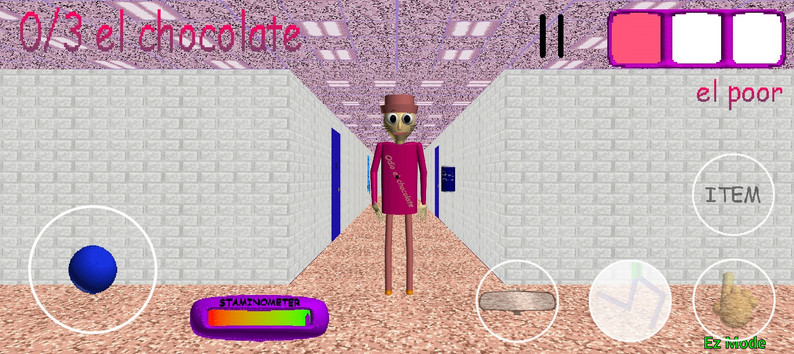
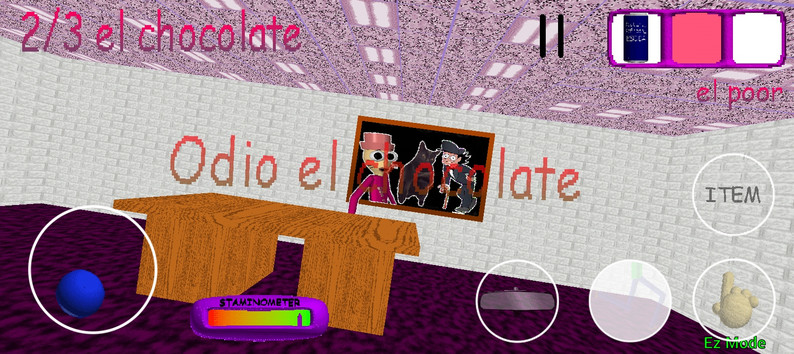
The supplied gameplay screenshots show a chocolate counter, a stamina meter, and three item slots. Check the counter when you want to know whether an exploration stretch made progress. Keep an eye on stamina before committing to a long hallway, and use the in-game prompts to learn what an item does before relying on it. The screenshots show the slots, but do not explain every item’s effect or the exact keyboard mapping.
One Normal Mode screenshot displays a 1/3 counter, while the Main Mode menu says 13 chocolates. Low Cortisol screenshots also show counters ending in /3. These are mode-specific images, so the Main Mode number should not be applied to every mode. Use the objective shown by the mode you selected.
For a first attempt, make the goal simple: choose the easier mode, notice the landmarks around your first turns, and check the HUD when the path is clear. In Main Mode, remember that collecting the 13 chocolates is only part of the menu’s instruction; getting out is the other part. If a run goes poorly, change one route decision at a time so you can tell what helped.
Browser, Android, and Download Notes
If the iframe stays blank, wait briefly and refresh once. A browser blocker or restrictions on embedded content can interfere with a third-party frame; opening the build directly is a useful fallback. Use fullscreen if the game window feels cramped.
Wantho’s Windows listing currently shows an 87 MB ZIP. The separate Android listing offers 32-bit and 64-bit APKs, each listed at 101 MB. File sizes can change, so use the creator’s current pages as the source. Wantho warns that the game may lag badly or crash on some devices and describes a crash in the School House scene on an OPPO A18. Those warnings apply to the Android release; they do not establish how this independently hosted browser build will behave on a phone. Check the creator’s current notes and choose only a build your device supports. A file size or another player’s report is not a compatibility guarantee.
The creator has also asked players not to flood the original Windows mod page with Android-port requests. Use the separate Android listing for the published APKs and follow the creator’s stated device warnings. If an installation or launch fails, note the device model, Android version, APK variant, and the last screen you saw before looking for an update; one comment is not a universal fix.
What the Screenshots Can—and Cannot—Tell You
The screenshot set is useful for reading the mode menu and HUD, but it is not a complete map or walkthrough. The Main Mode menu explicitly asks for 13 chocolates and an exit. A Normal Mode image shows a 1/3 counter, while Low Cortisol images show 0/3 and 2/3. Those counters belong to the modes shown in the pictures; they do not prove that Main Mode uses a three-chocolate goal or that every mode has identical rules.
The HUD images show a stamina meter and three item slots, which are useful landmarks while learning the interface. They do not identify every item’s effect, confirm exact keyboard mappings, or establish where every chocolate spawns. This page therefore sticks to the objective and interface details visible in the supplied screens rather than publishing an unverified route. Read the selected mode’s on-screen prompts and treat the counter for that mode as the current source of progress.
A Practical First Run
Low Cortisol is the menu’s recommended easier starting point. Use it to learn how the school looks, notice the counter and stamina bar, and see how the game presents its prompts. When you try Main Mode, keep its stated objective in mind: collect 13 chocolates and get out. The page does not claim that the same count applies to Baltazar or Triple Trouble, and the menu describes Triple Trouble as harder and unsuitable for beginners.
Give the browser game a moment to load before refreshing. Click inside the frame before using keys, then try fullscreen if the play area is cramped. If the embed stays blank, open the same hosted build directly. For a Windows or Android download, use Wantho’s creator pages instead; the independent browser version may not match those files.
Game Details
- Title: Odio el Chocolate
- Creator: Wantho
- Type: Baldi’s Basics game mod
- Browser build: Independently hosted iframe above
- Creator’s downloads: Windows and Android pages linked above
- Player guide: Odio el Chocolate guide
- Controls: Follow the prompts in the selected build; exact keyboard controls are not confirmed here.
This is an independent game page. The game, its name, and supplied artwork belong to their respective creators; use Wantho’s pages for creator-published release details.